Circles
Circles are invite-only groups for authors — accountability and community that live alongside your site rather than on it. Inside a circle you discuss on a message board with threaded replies, answer scheduled pulse check-ins, cheer each other on with boosts, and @mention members. A live notification bell keeps you posted, with calm email digests when you’re away.
Find them in the app under Circles.
Key ideas
- Message board & threads. Post a message with a title and body; anyone can reply in a comment thread.
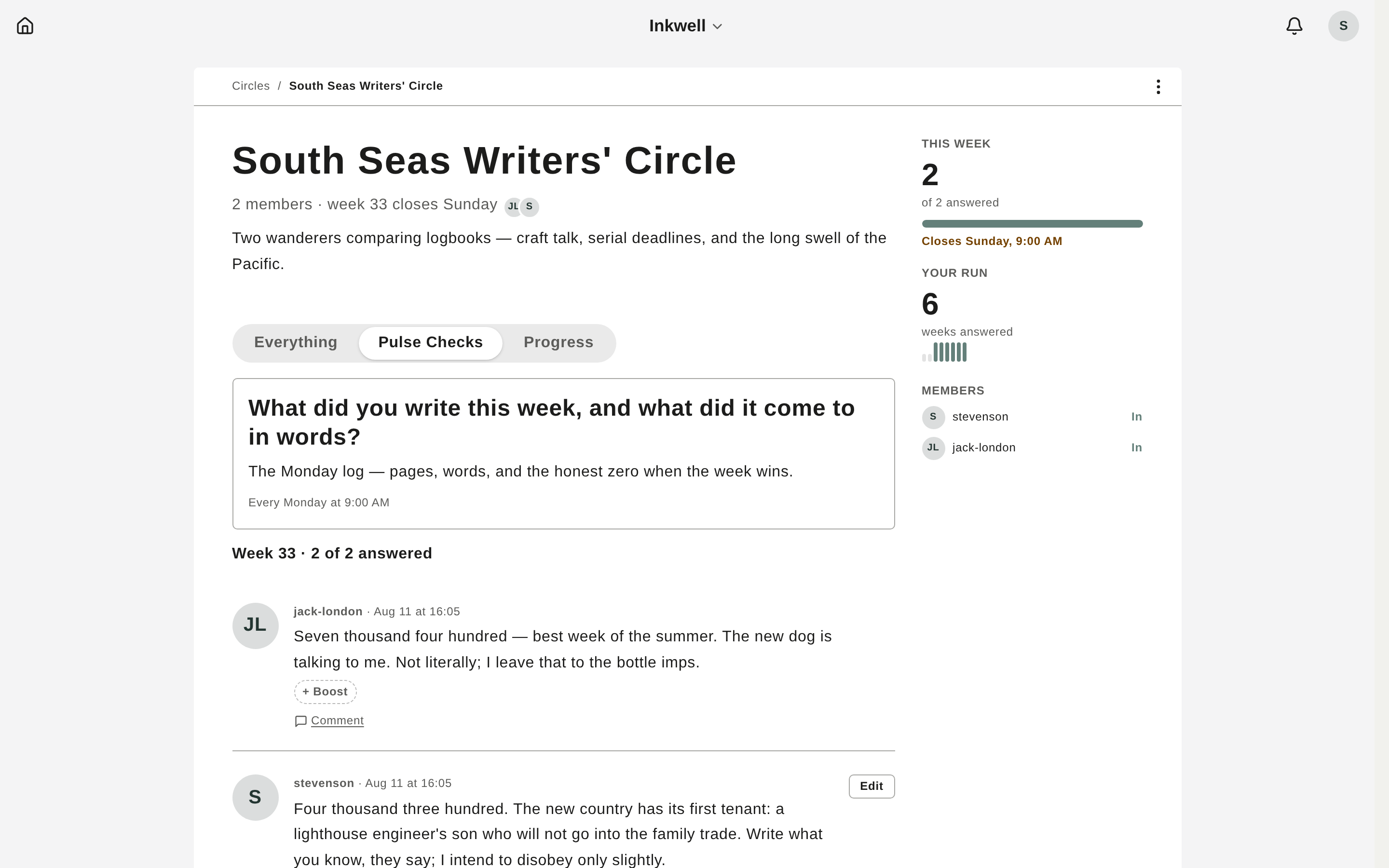
- Pulse check-ins. A recurring question the owner schedules; members answer on each occurrence, and answers collect as editable cards.
- Boosts. Small emoji appreciations on any message, comment, or answer.
- @mentions. Tag a member by name; they get a notification.
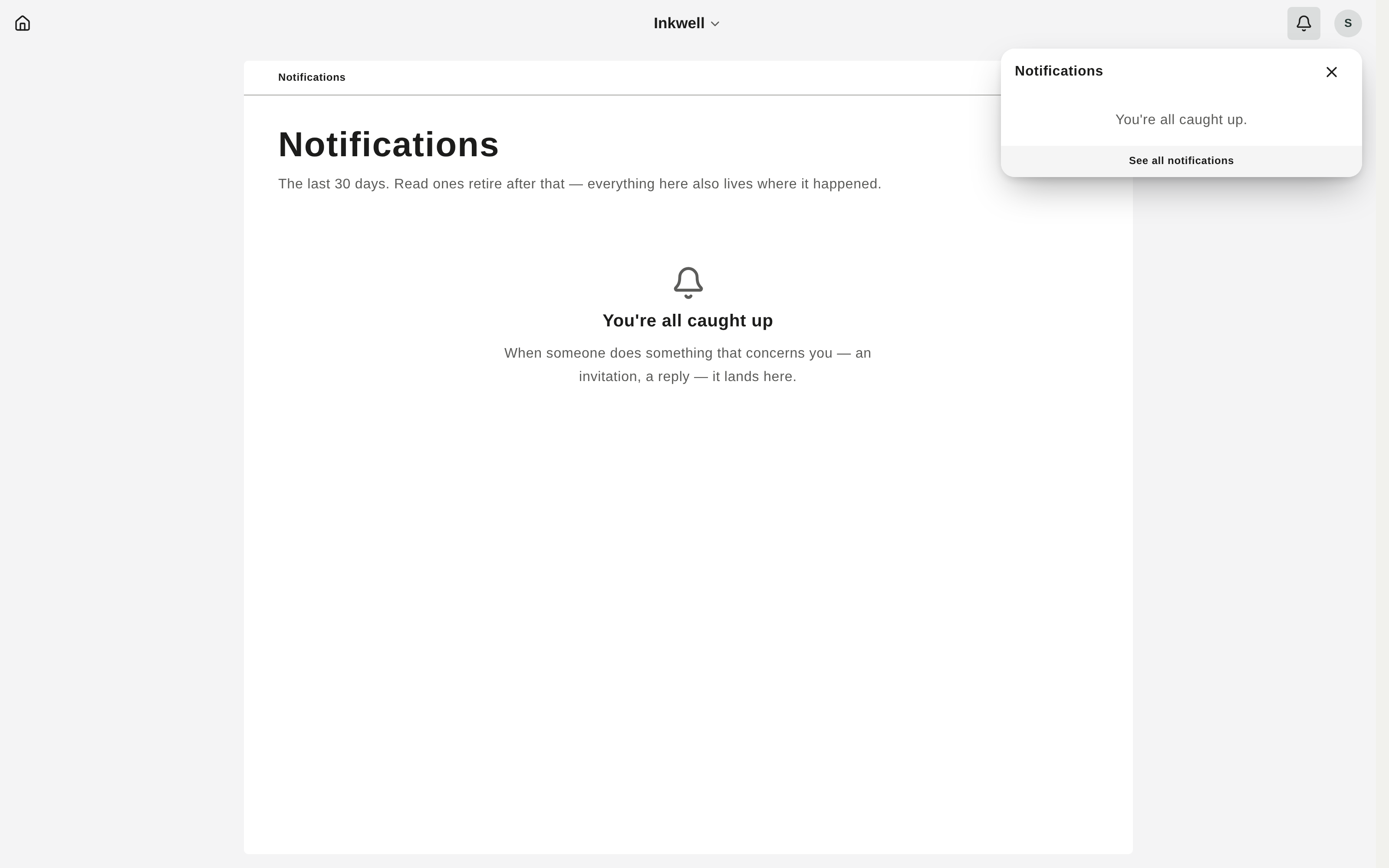
- Notifications. A bell for invitations, mentions, boosts, replies, and pulse asks — with batched email digests you can pre-empt by reading in the app.
Create a circle
- Go to Circles and click New circle.
- Give it a name and an optional description.
- Click Create circle. You’re the owner — now invite people.
Invite and join
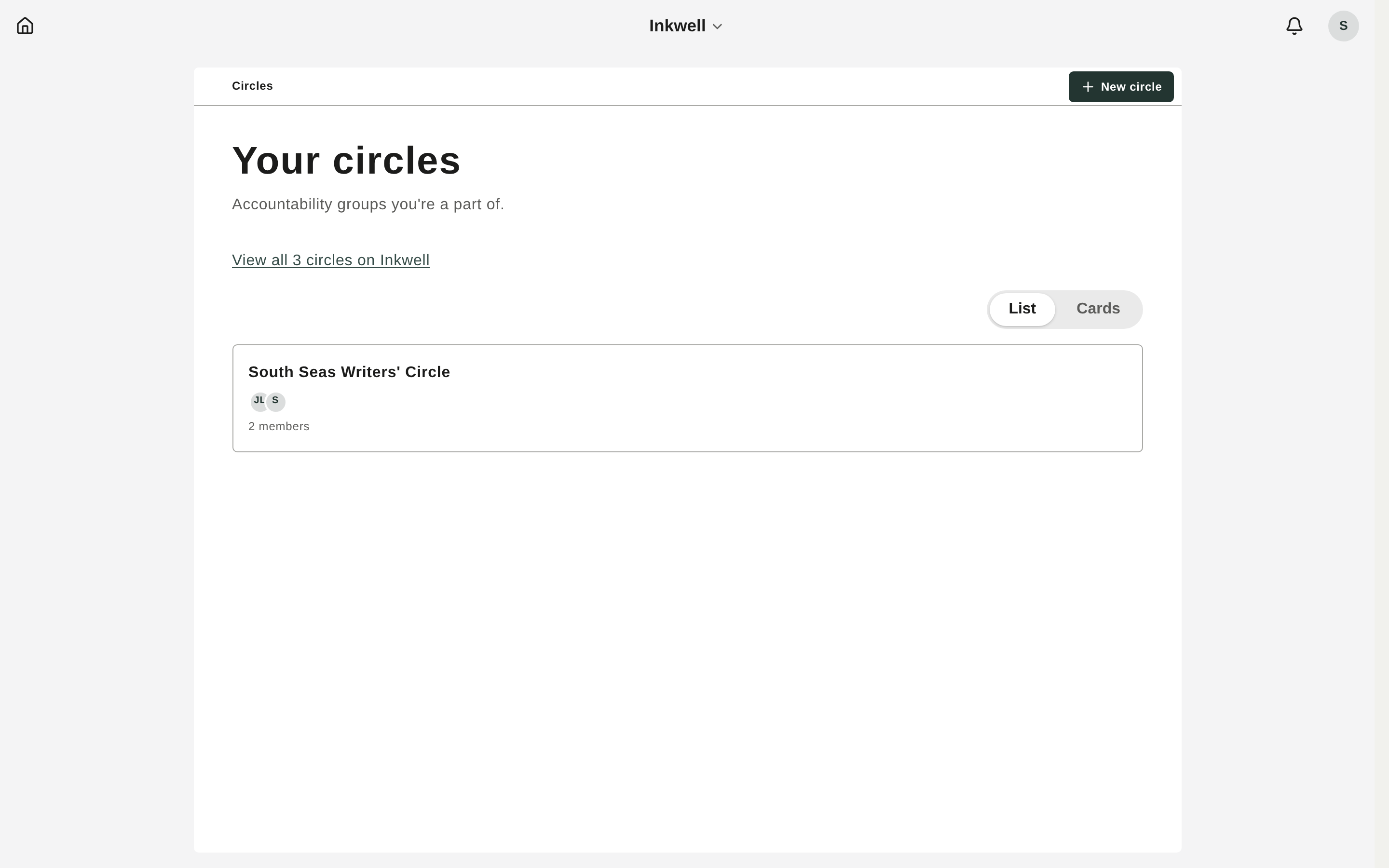
- Invite someone: In a circle, open Membership (from the ⋯ menu), enter an email, and click Invite. They’ll appear under Invited until they respond, and you can Revoke a pending invite.
- Accept an invitation: Invitations appear as golden cards at the top of your Circles page. Click Accept to join or Decline to skip.
Post and reply
- On the circle’s home, click New message in the discussions section.
- Add a title and body. Type
@to mention a member. - Click Share to post.
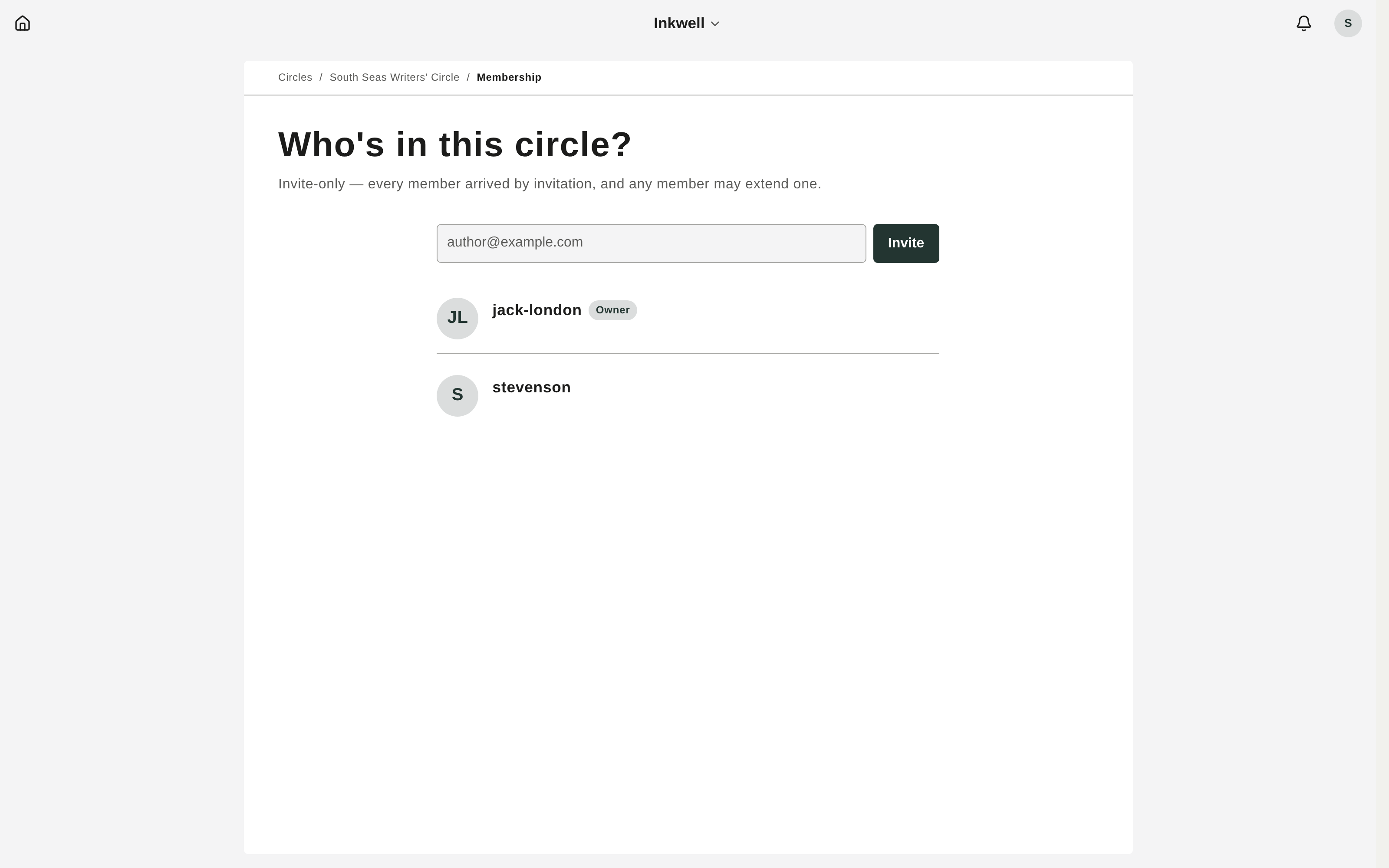
Open any message to read and add replies in its thread. Your own messages and comments can be edited in place from the ⋯ menu.
Pulse check-ins
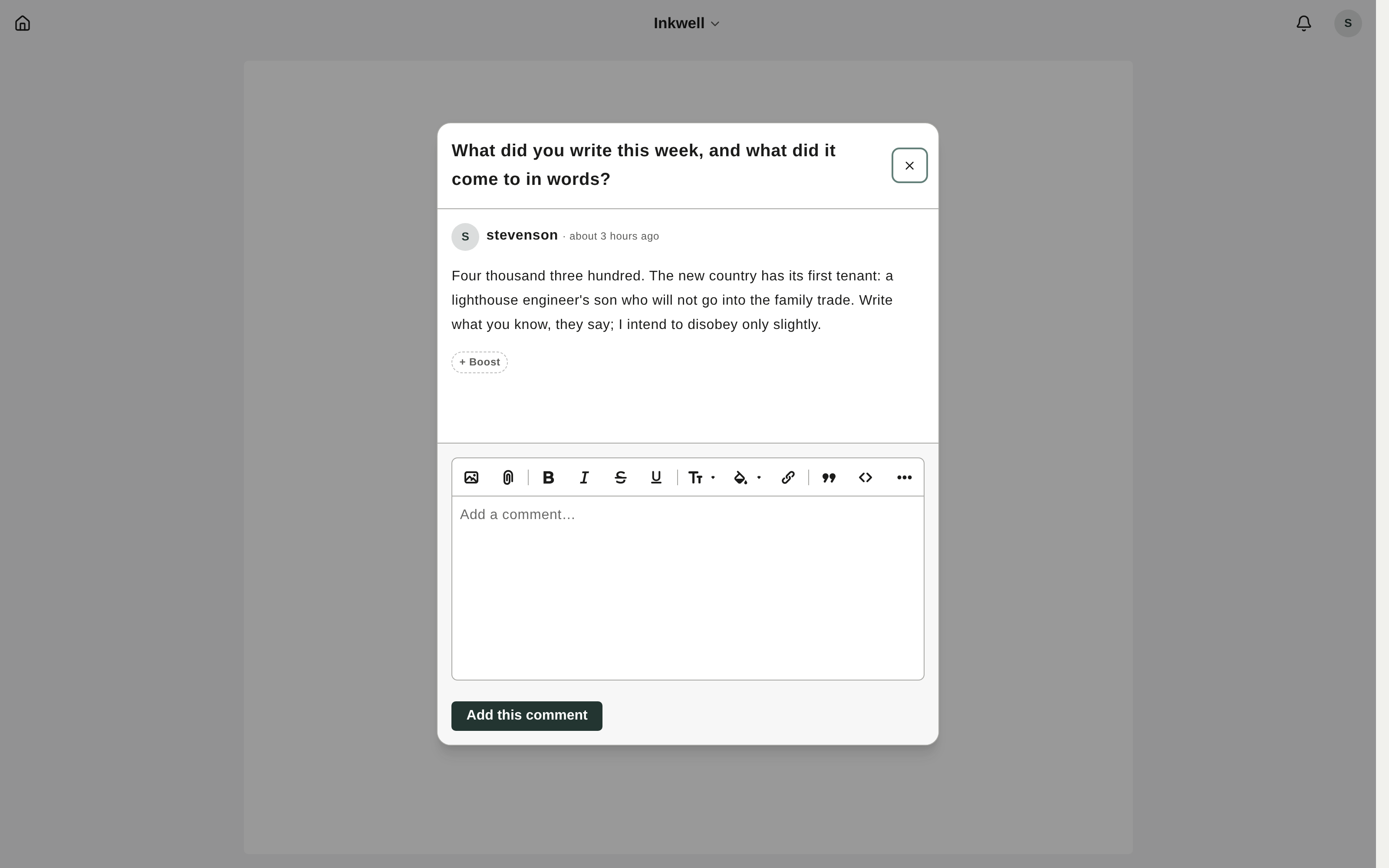
A pulse is a recurring question — a gentle nudge to share progress.
- Owners set one up from the circle home (Set up a Pulse check): the question, a cadence (daily, weekly, or every other week), the days, and the time.
- Members answer on the current occurrence — type into Share my answer on the pulse page (or follow the emailed link). Your answer becomes an editable card; you can join or leave a pulse independently of the circle.
Boosts and mentions
Add a boost (an emoji like 🔥 or 🎉) to any message, comment, or pulse answer to show appreciation — the author gets a quiet bell notification. @mention a member while writing to tag them; mentioned members are notified too.
Notifications
The bell in the top-right shows invitations, mentions, boosts, replies, and pulse asks. Opening it marks everything read. Email digests batch these up when you’re away — and reading in the app first cancels the matching email. Notifications retire after 30 days.