Newsletter
The newsletter lets you email your blog posts to readers who’ve asked to hear from you. You send a published post to your subscribers — now or scheduled — and then see how many received, opened, and clicked it. Readers sign up through a double opt-in (they confirm their address first), so your list stays clean and consent is on record.
Find it in the admin under Broadcasts and Subscribers.
Key ideas
- Broadcast. A published (or scheduled) post emailed to your confirmed subscribers. Each post is sent once.
- Double opt-in. New subscribers confirm their email before they receive anything — proof they wanted in.
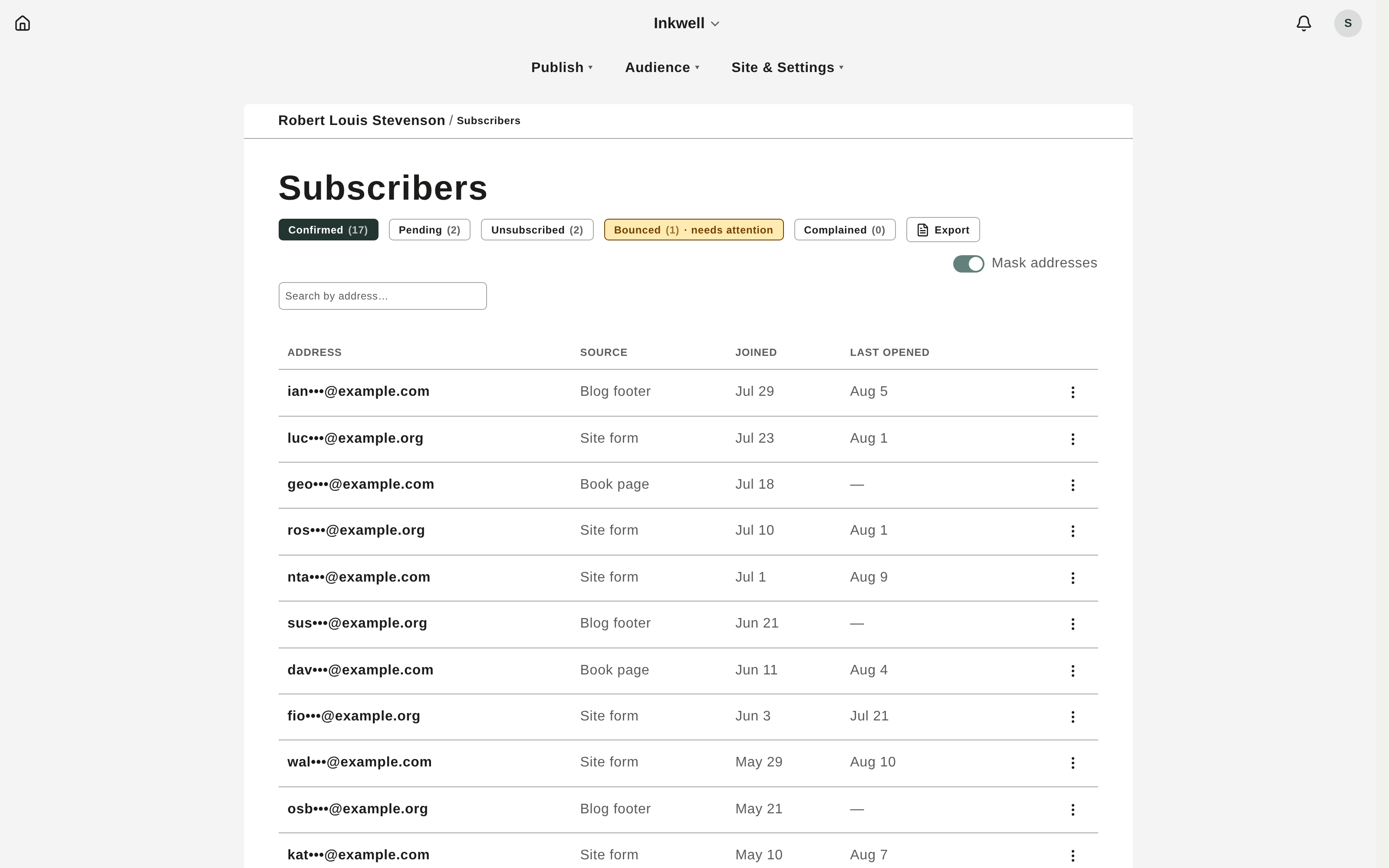
- Subscribers. Your roster, grouped by status: Confirmed, Pending, Bounced, Complained, and Unsubscribed.
- Metrics. After a send, you see delivered, opened, and clicked counts, plus bounces, complaints, and unsubscribes.
Send a post as a newsletter
- In Posts, open a post you’ve published or scheduled.
- In the broadcast banner beneath the post, click Email it to my subscribers.
- Confirm. Sending begins right away, and the banner updates to Sent to N subscribers when it’s done.
Schedule the send
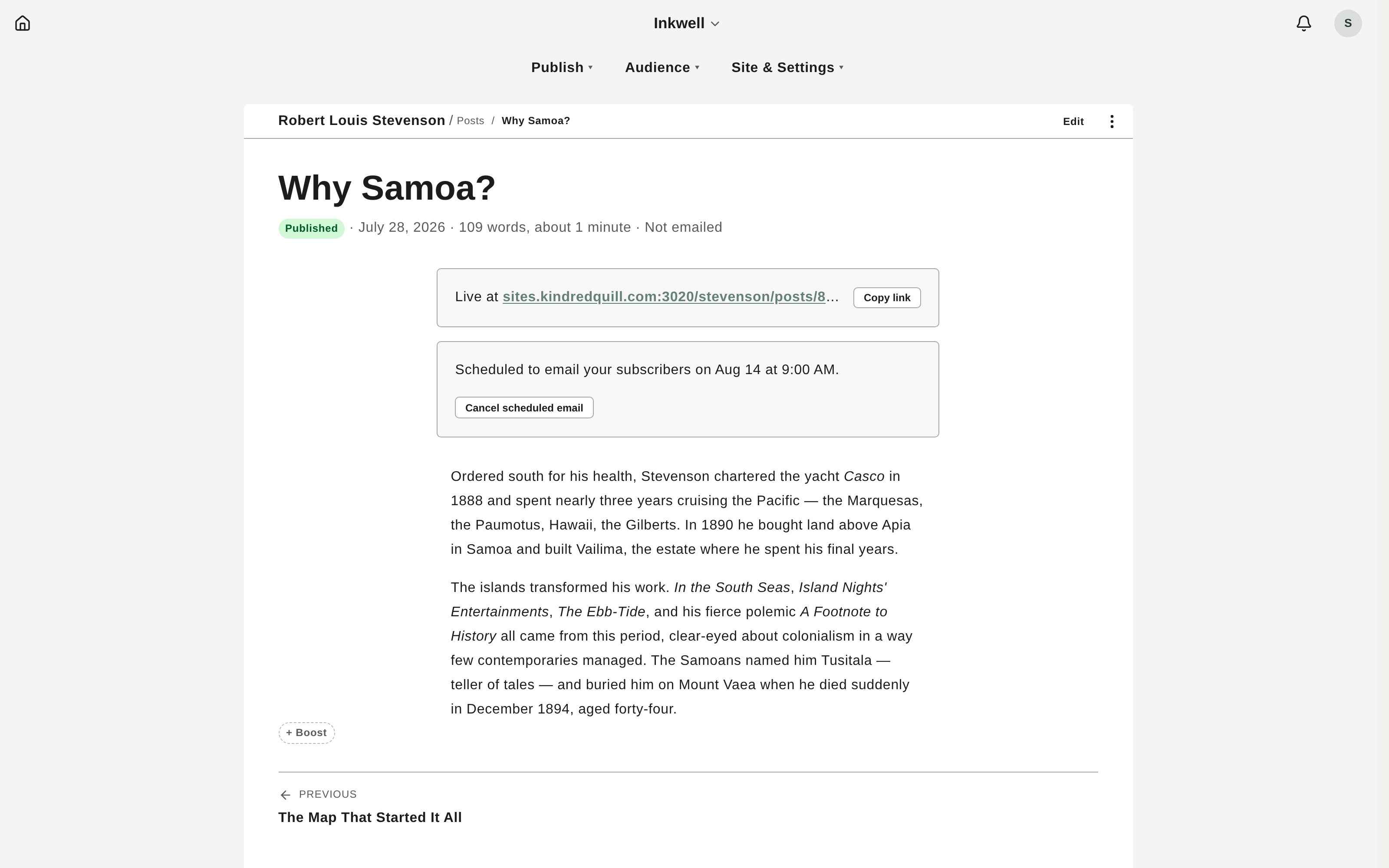
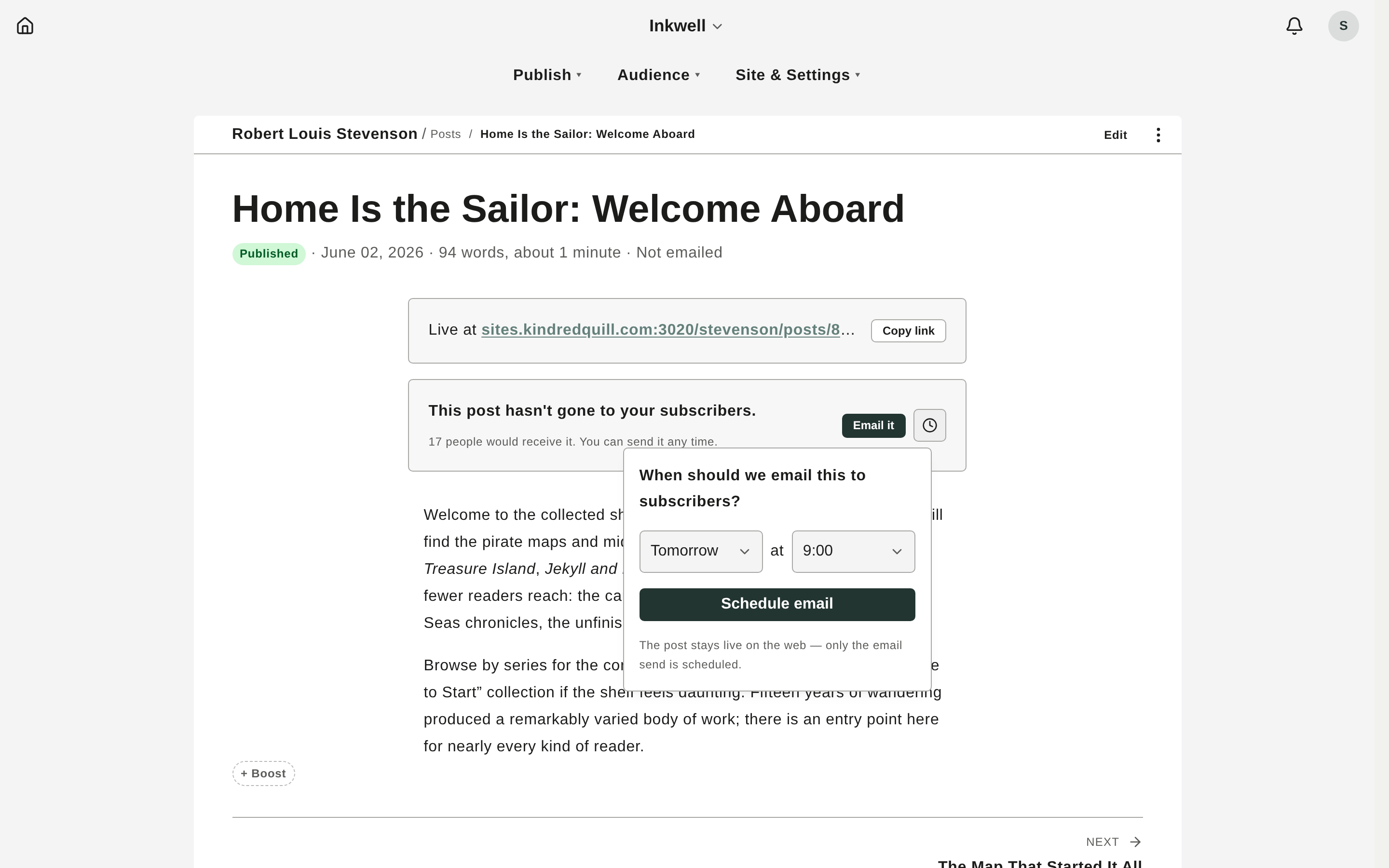
In the same banner, choose Schedule email, pick a date and time, and confirm. The banner shows the scheduled time and a Cancel option until it goes out.
Read your metrics
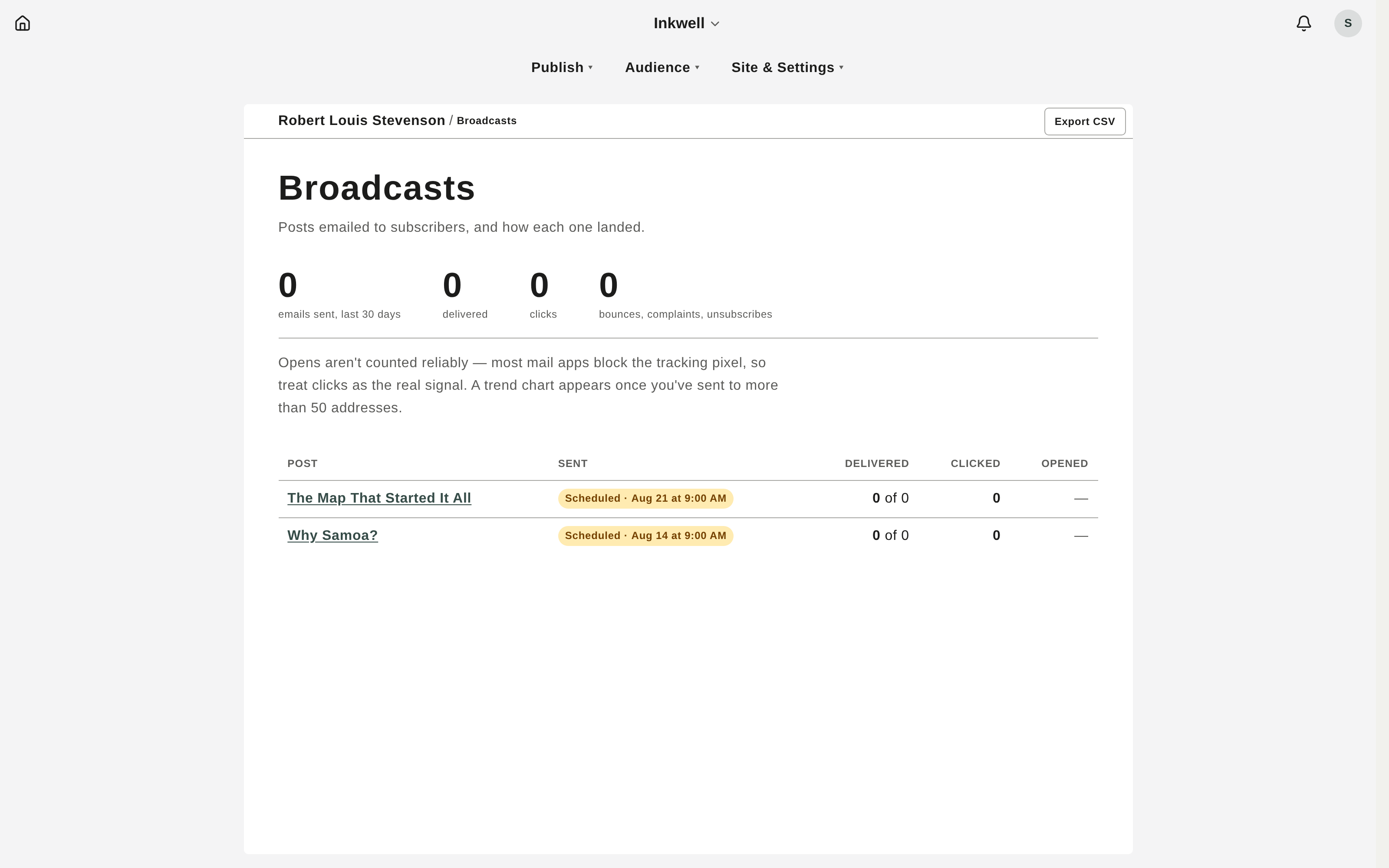
Open Broadcasts for the dashboard: a 30-day chart, headline numbers (emails sent, open rate, bounces), and a table of every broadcast with its recipients, opens, clicks, and unsubscribes.
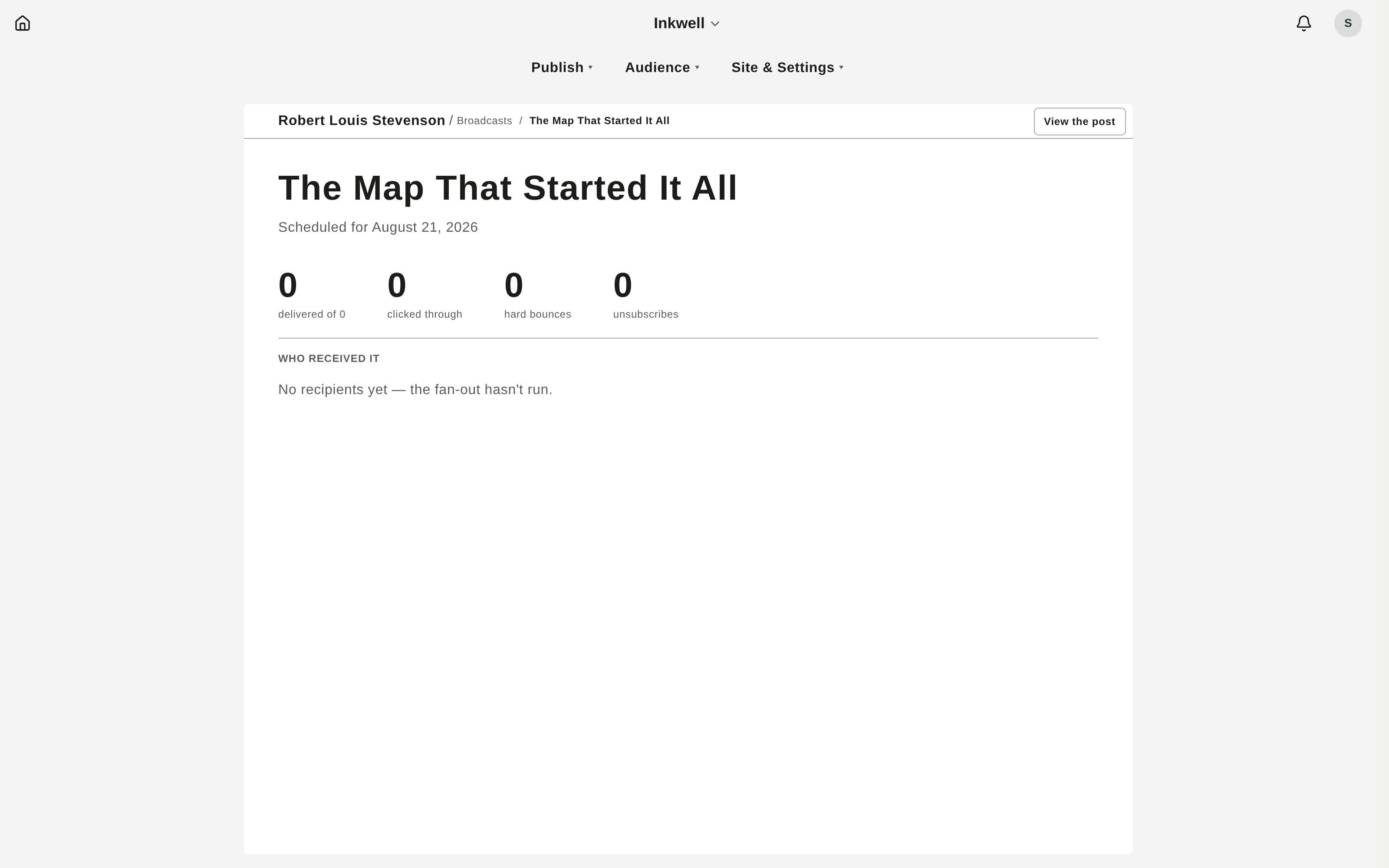
Click a broadcast to drill in: delivered / opened / clicked / bounced / complained / unsubscribed tiles, which links readers clicked, and a per-recipient table.
Manage subscribers
Open Subscribers to see your roster by status. For each person you can resend a confirmation, unsubscribe them, reactivate a bounced address, or re-invite someone who complained. Use Export to download the current list as CSV.
How readers subscribe
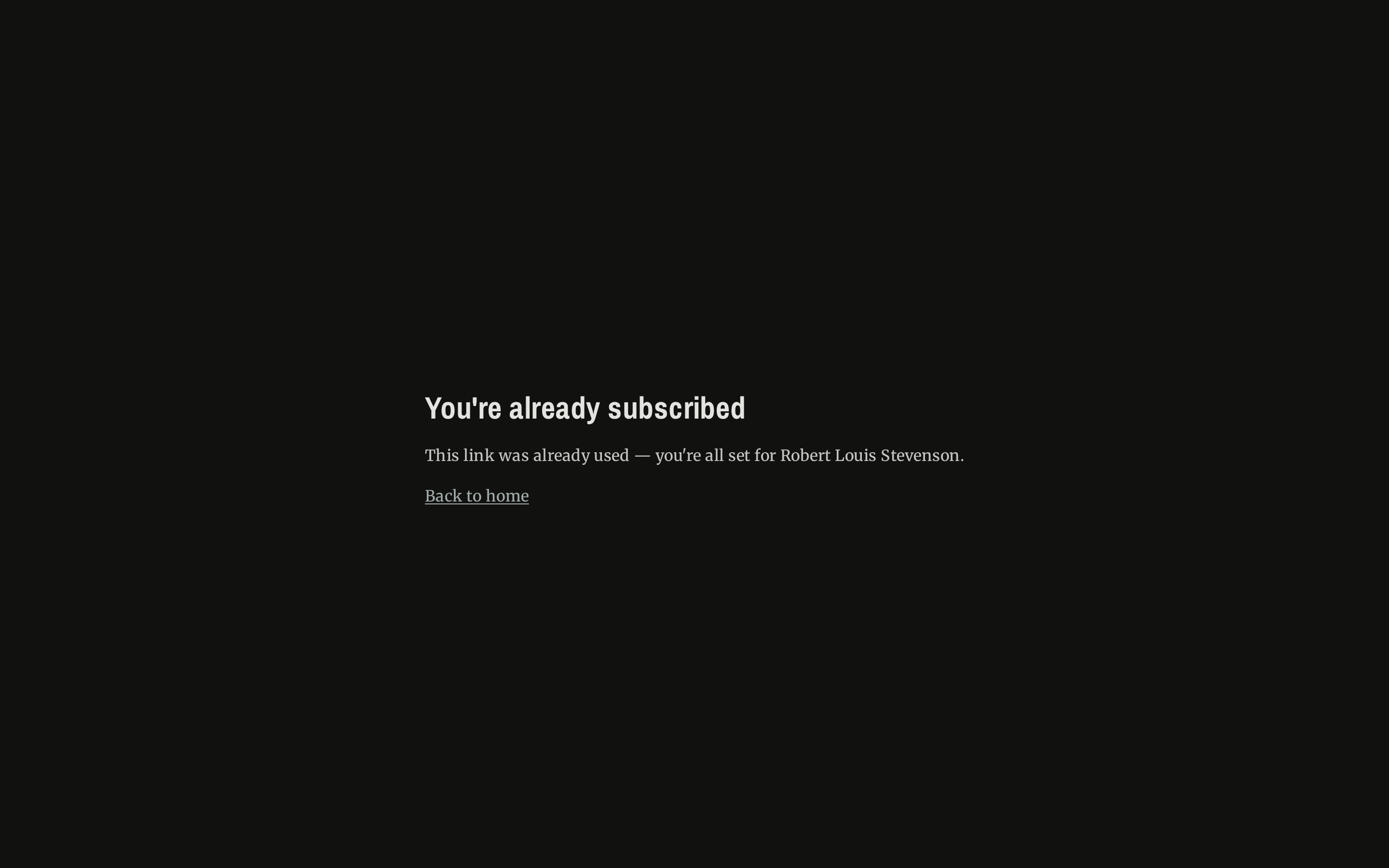
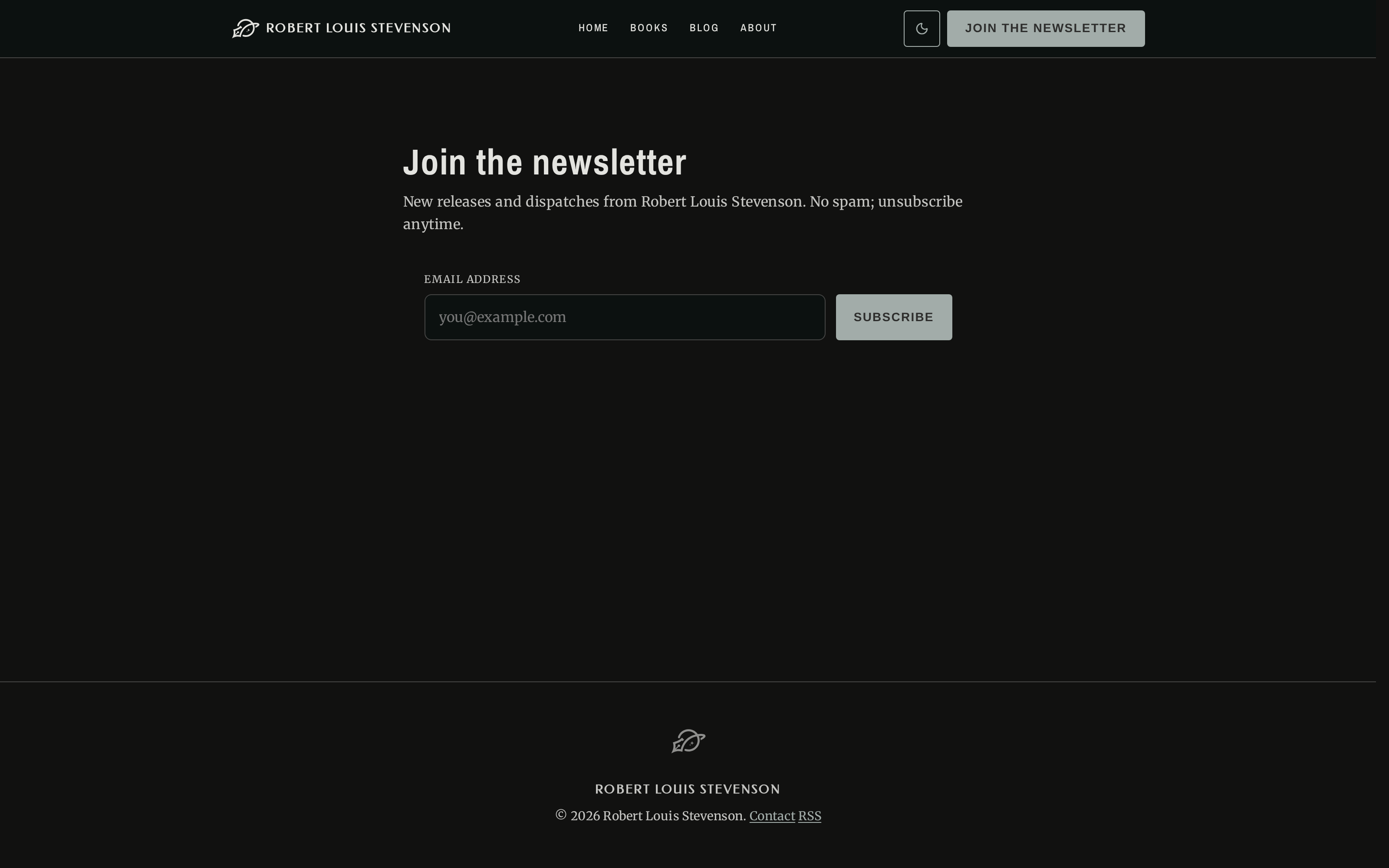
On your public site, readers open the newsletter signup, enter their email, and submit (a hidden honeypot and a CAPTCHA quietly keep bots out).
They then get a confirmation email; clicking the link finishes signup and adds them to your Confirmed list. Every broadcast also carries a one-click unsubscribe link.